Activating an eSIM on your Android phone is quick, simple, and one of the smartest ways to stay connected while traveling internationally. In 2026, RoRo eSIM (https://roroesim.com/) makes the process even easier for Android users, offering affordable data plans with coverage in over 200 countries. Whether you have a Samsung Galaxy, Google Pixel, Xiaomi, or other eSIM-compatible Android device, this guide will walk you through the activation steps.Before You Start
When you land at your destination:
- Confirm your Android phone supports eSIM (most models from 2020 onward do). Dial ***#06#** — if an EID number appears, your device is compatible.
- Purchase your RoRo eSIM plan in advance at https://roroesim.com/. You will receive a QR code and manual activation details instantly.
- Connect to stable Wi-Fi.
- Go to Settings > Network & Internet (or Connections on Samsung).
- Tap SIMs, Mobile Network, or SIM Manager.
- Select Add eSIM or Download a SIM.
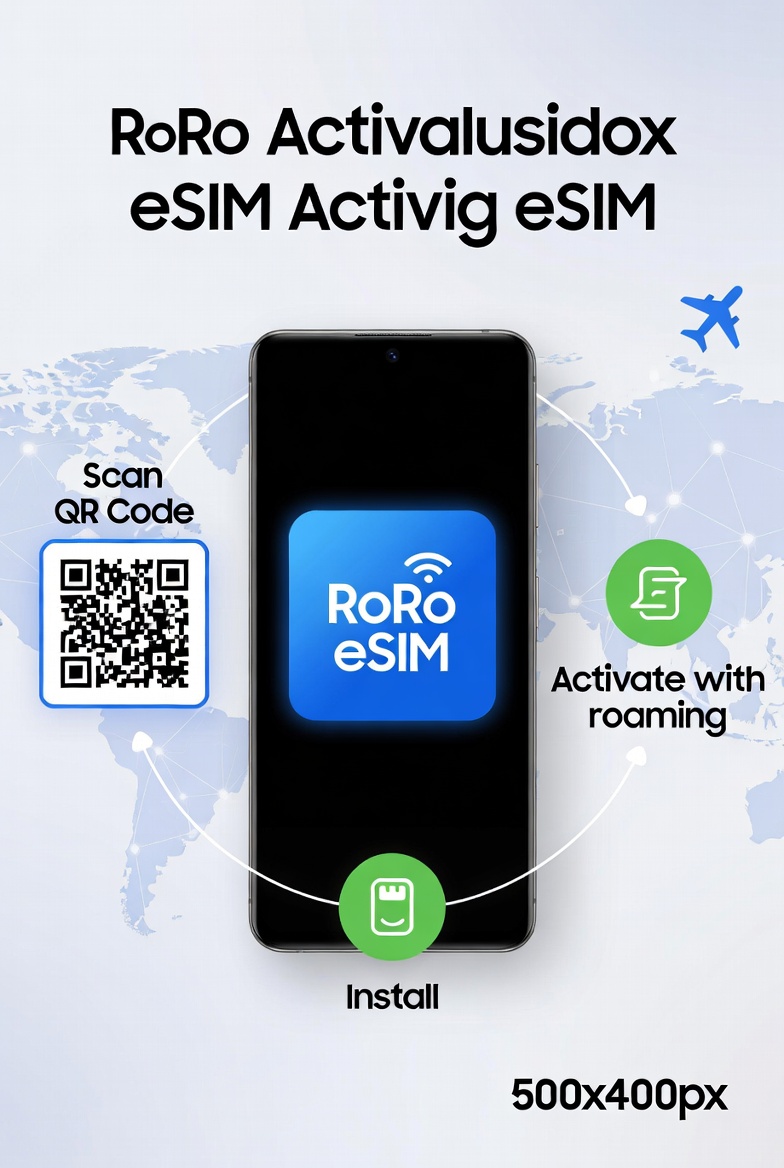
- Choose Scan QR code and point your camera at the RoRo QR code.
- If scanning fails, select Enter details manually and input the SM-DP+ address and activation code provided by RoRo.
- Follow the prompts to download and install the profile.
- Rename the eSIM (e.g., “RoRo Spain” or “RoRo Thailand”) for easy identification.
When you land at your destination:
- Go back to Settings > Network & Internet > SIMs.
- Find the RoRo eSIM and toggle it On.
- Turn on Data Roaming (this is very important for connecting to local partner networks).
- Set RoRo eSIM as your Mobile Data / primary data line.
- Keep your physical SIM active for calls and texts if desired.
- Open Google Maps, Chrome, or WhatsApp to test the connection.
- Monitor real-time data usage in the RoRo dashboard.
- Top up instantly if you need more data.
- Enable hotspot sharing to connect other devices.
- Update your Android OS to the latest version for best eSIM performance.
- If data doesn’t work, toggle Airplane Mode on and off for 15–30 seconds.
- For Samsung users: The steps are very similar under Connections > SIM Manager.
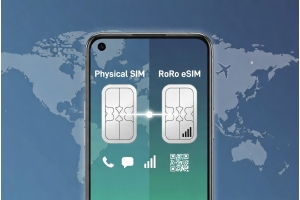
- RoRo eSIM is data-only, so you can use dual-SIM functionality perfectly (physical SIM for calls + RoRo for data).
- Delayed activation helps maximize every paid day.
- Strong coverage through local operators worldwide.
- Easy top-ups and 24/7 support via chat and WhatsApp.
- No airport queues or passport registration required.