Arriving in the United States and need reliable mobile data without the hassle of physical SIM cards or expensive roaming fees? RoRo eSIM offers a convenient solution for travelers, providing seamless connectivity across the U.S. through partnerships with local operators. As a data-only eSIM service covering over 200 countries—including full U.S. support—RoRo allows you to stay connected from the moment you land, with flexible fixed or unlimited data plans, no hidden fees, and easy management via their app or website.The key advantage with RoRo is the two-step process: install the eSIM profile before your trip (using Wi-Fi at home or en route), then activate the data plan upon arrival in the U.S. This ensures your plan's validity days start only when you need them, maximizing value for short or extended stays.Step-by-Step Guide to Activate Your RoRo eSIM in the U.S.Purchase and Receive Your eSIM Before Travel
Visit https://roroesim.com/ and select a U.S.-specific or North America-inclusive plan based on your data needs (e.g., fixed GB amounts or unlimited options). After payment, you'll receive the eSIM details instantly via email or in the "My SIMs" dashboard on the RoRo site/app. This includes a QR code or manual activation codes (SM-DP+ address, activation code, etc.).
Install the eSIM Profile (Do This Before Arrival)
Ensure your device supports eSIM (most recent iPhones, Google Pixels, Samsung Galaxy models, etc.—check RoRo's FAQ for compatibility). On iPhone: Go to Settings > Cellular (or Mobile Data) > Add Cellular Plan (or Add eSIM). Scan the QR code from your email or screen. Follow prompts to download and add the plan. Label it "RoRo U.S." for easy identification.
On Android: Navigate to Settings > Network & Internet > Mobile Network > Add eSIM (or SIM Manager). Scan the QR code or enter details manually. Confirm installation.
You don't need to turn it on yet—keep it installed but inactive to preserve your plan's validity period.
Activate Upon Arrival in the U.S.
Once your flight lands and you're at the airport (or settled at your destination), enable the eSIM: iPhone: Go to Settings > Cellular > Select the RoRo eSIM line > Turn on "Data Roaming" (or enable "Mobile Data" for that line). Set it as your primary data line if using dual SIM.
Android: Go to Settings > Network & Internet > Mobile Network > Select the RoRo eSIM > Enable mobile data and data roaming.
The plan activates automatically when you connect to a supported U.S. network (like AT&T, T-Mobile, or Verizon partners via RoRo). No ID verification or airport kiosk is required.
Verify and Manage Your Connection
Test by opening a browser or app—data should work immediately. Monitor usage, top up if needed, or rename the eSIM in your settings for clarity. RoRo's app or "My SIMs" page lets you track data consumption in real time. Hotspot sharing is supported for connecting other devices.
Tips for Smooth U.S. ConnectivityInstall while on stable Wi-Fi before departure to avoid issues.
If problems arise (rare), refer to RoRo's detailed Install & Activate Guide or FAQs for troubleshooting.
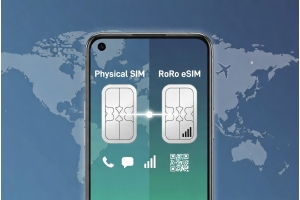
For dual-SIM phones, keep your home number active for calls/texts while using RoRo for affordable data.
Plans start counting validity days only after activation, so landing in the U.S. triggers optimal usage.
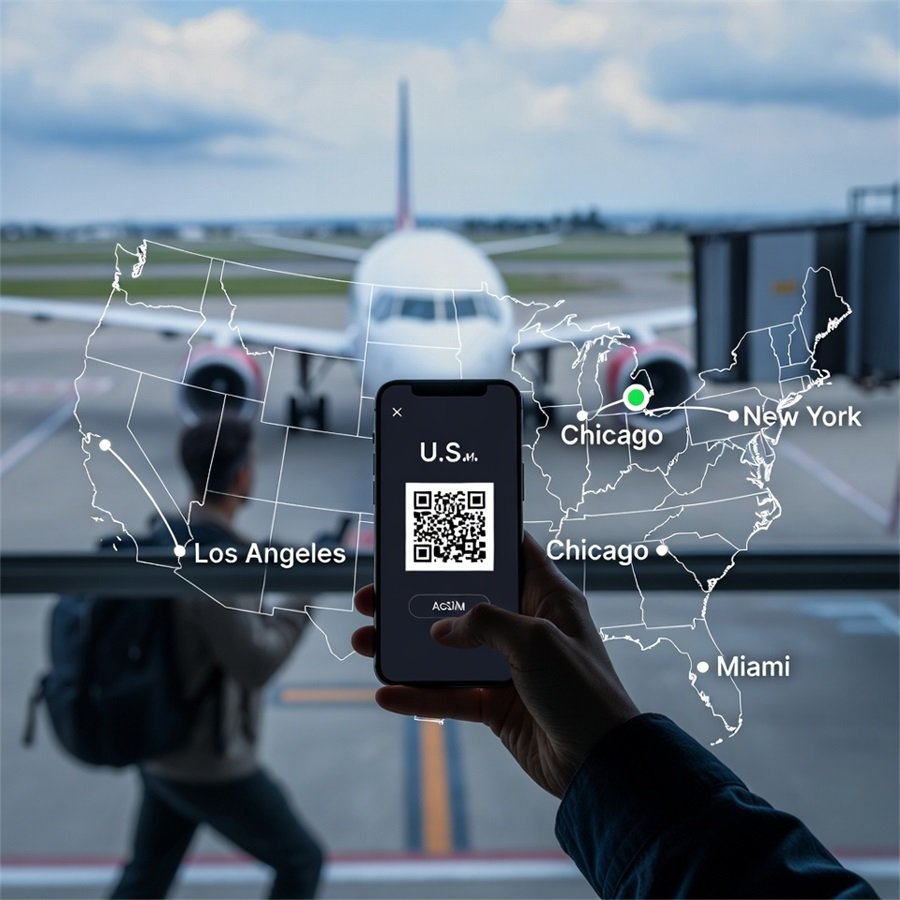
With RoRo eSIM, you skip queues at U.S. airports, avoid high carrier roaming charges, and enjoy instant high-speed data for navigation, rideshares, social media, or work. It's a hassle-free way to stay connected across cities like New York, Los Angeles, or Miami. Safe travels!