Traveling in France — whether exploring the romantic boulevards of Paris, the historic streets of Lyon, or the sun-soaked Promenade des Anglais in Nice — having fast and reliable data is crucial. Navigation apps keep you on track, translation tools help bridge language gaps, and online maps guide you through narrow alleys and metro stations. One of the easiest ways to stay connected in France in 2025 is with an eSIM — and travel-oriented providers like RORO eSIM make this setup simple, flexible, and cost-effective. Here’s how you can use eSIM specifically for navigation and translation while traveling in France.
Why Use an eSIM in France
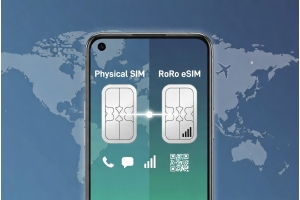
eSIM stands for embedded SIM and replaces a physical SIM card with a digital profile on your smartphone. Modern phones — including most iPhones and Android devices — support eSIM, allowing you to install and switch between plans without having to insert or swap cards. For travelers, this means:
Buy and install your data plan online before you pack your bags.
Skip SIM card shops and long lines upon arrival at airports or train stations.
Avoid expensive roaming fees from your home mobile provider.
Stay online immediately when you land, perfect for apps like Google Maps or Translator.
With RORO eSIM, you get plans that work across major French cities and regions, making it ideal for frequent navigation and language support on the go.
Step-by-Step: Set Up RORO eSIM for France
1. Choose Your Plan Before You Travel
Visit the RORO eSIM France page and choose a plan that matches your stay. Options range from small data plans for short trips to larger or unlimited-style plans for longer stays.
2. Install the eSIM on Your Phone
On iPhone: Go to Settings → Mobile Data → Add Data Plan, then scan the QR code sent by RORO.
On Android/Samsung: Go to Settings → Network & Internet → SIM cards → Add eSIM (Data Plan) and scan the QR code.
Install before departure so you’re ready to use the eSIM the moment you land in France.
Tip: Save the QR code to your phone or cloud so you can install even without Wi-Fi.
3. Activate Upon Arrival
Once you land, enable the RORO eSIM in your phone settings and turn on data roaming for that line. Your device will automatically connect to local French carriers, giving you seamless internet access for apps and services.
Using eSIM for Navigation in France
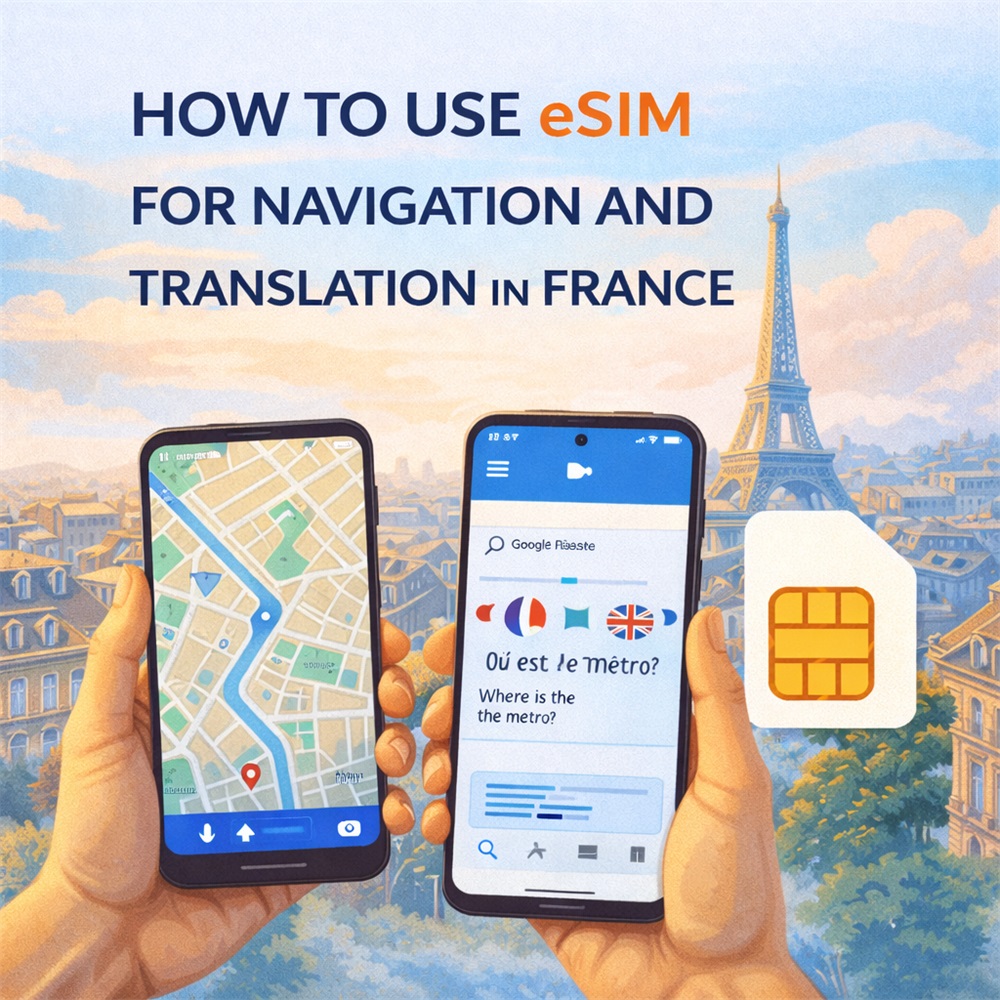
Once your eSIM is active, navigation apps like Google Maps, Apple Maps, and Citymapper become powerful tools:
Real-time directions: Get up-to-date walking, driving, or public-transport routes across Paris, Lyon, Nice, Bordeaux, and beyond.
Offline maps: Download offline map areas before travel so you can navigate even if you temporarily lose signal.
Public transport guidance: Apps tell you train schedules, metro lines, bus stops, and travel times — all powered by your eSIM data in real time.
Because RORO eSIM connects you to high-speed local networks (including 4G/5G in many urban areas), your navigation apps update quickly and accurately — perfect for city exploration and spur-of-the-moment plans.
Using eSIM for Translation in France
Language barriers can be another challenge while traveling. Although French is widely spoken, having translation apps ready makes communication easier, especially in local markets, cafés, or off-the-beaten-track destinations.
With your RORO eSIM active, you can:
Use real-time translation: Apps like Google Translate can listen and translate spoken phrases instantly.
Live text translation: Point your camera at menus, signs, or brochures and get instant translations.
Phrasebooks and conversations: Save common phrases and access them online or offline as needed.
Because translation apps often use cloud processing, having constant internet access via your eSIM ensures fast, accurate translation — much better than relying solely on offline packs.
Tips for Smooth Navigation and Translation
Install Before Departure
Set up your eSIM at home so activation in France takes seconds.
Use Offline Maps When Possible
Pre-download city maps for Paris, Nice, and other stops — this saves data and ensures navigation even in low-connectivity areas.
Monitor Data
Even with generous plans, keep an eye on your data usage through your phone settings or the RORO dashboard to avoid surprises.
Take Advantage of Hotspots
While eSIM gives you mobile data, using secure Wi-Fi for big downloads can save mobile resources.