If you’re traveling in Thailand — exploring Bangkok’s temples, relaxing on the beaches of Phuket, or trekking through Chiang Mai — staying connected is essential for maps, messaging, and ride-hailing apps. Traditionally, travelers used pocket Wi-Fi or local SIM cards, but modern eSIM services like RORO eSIM make internet access easier and more flexible. One question many travelers have is: Can I share my eSIM data with other devices? The answer is yes — and here’s how to do it safely and effectively.
How eSIM Data Sharing Works
When you use an eSIM such as RORO eSIM in Thailand, you get a mobile data plan installed directly on your smartphone. These plans are data-only and do not replace your primary SIM for phone calls or SMS; instead, they provide high-speed internet through Thailand’s local networks (like TrueMove H and AIS).
Many eSIM plans — including RORO’s Thailand offerings — allow hotspot or tethering functionality. This means your phone can share its mobile data connection wirelessly with other devices like tablets, laptops, or your travel partner’s smartphone.
Tip: On RORO eSIM Thailand plans, fixed data plans allow full hotspot sharing of the total data allotment. Unlimited-style plans usually include a 500 MB/day hotspot limit, and often a fair-use high-speed cap (~3 GB/day) before throttling applies.
Sharing eSIM Data on Your Phone
iPhone (iOS)
Install and activate your RORO eSIM. Make sure data roaming is enabled for the eSIM profile and your primary SIM’s roaming is off to avoid unexpected charges.
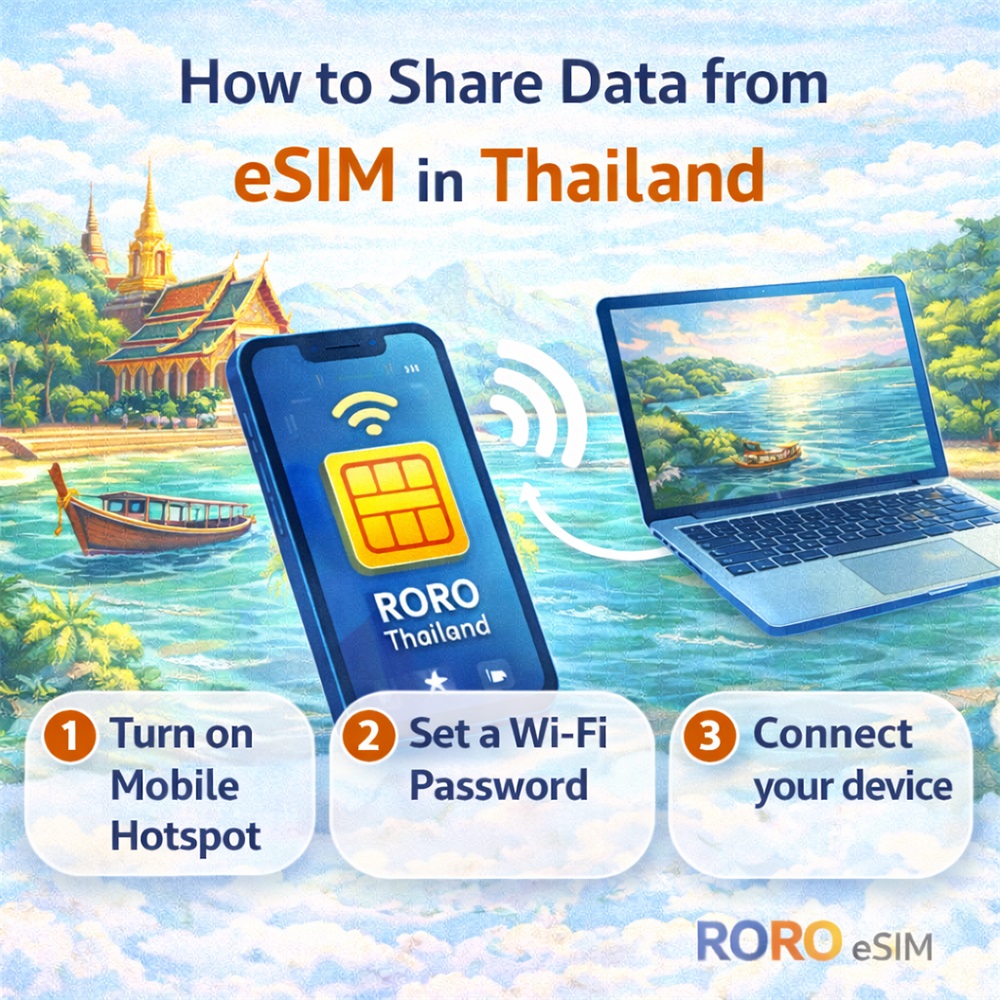
Go to Settings → Cellular (Mobile Data) and select Personal Hotspot.
Toggle on “Allow Others to Join.”
Set a Wi-Fi password if prompted — this keeps your hotspot secure.
Your iPhone will now broadcast a Wi-Fi network that other devices can connect to using the password you set.
Android Phones
After installing and activating your RORO eSIM plan, go to Settings → Network & Internet → Hotspot & Tethering (or similar).
Tap Wi-Fi Hotspot and turn it on.
Set a network name and password for security.
Your Android device will now share its mobile data as a Wi-Fi network that other devices can join.
Practical Tips for Sharing eSIM Data
1. Check Your Plan’s Hotspot Limits
Not all eSIM plans have the same sharing rules. As noted, RORO’s fixed data plans allow unrestricted sharing of the data you paid for, while unlimited-style plans may have daily hotspot data caps (e.g., 500 MB/day). If you plan to tether often (for laptops, tablets, or multiple users), a larger fixed plan might be more economical.
2. Monitor Data Usage
Sharing data via hotspot consumes data quickly — more so than individual smartphone use. Video calls, streaming, and large file downloads eat into your allowance fast. Keep an eye on your usage in your phone’s settings to avoid running out of data mid-trip.
3. Secure Your Hotspot
Always use a strong password for your hotspot. Open hotspots can be accessed by unintended users, which may drain your data and slow down your connection.
4. Know When Hotspot Is Useful
Hotspot sharing is ideal when:
You have multiple devices on the go (e.g., laptop + phone).
A companion needs internet but doesn’t have mobile data.
You want to use apps like navigation or video calls on a larger screen.
For travellers with only one device, hotspot may be less important — but it’s invaluable when working remotely or sharing data with family or friends.