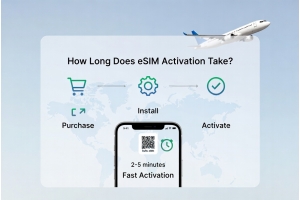
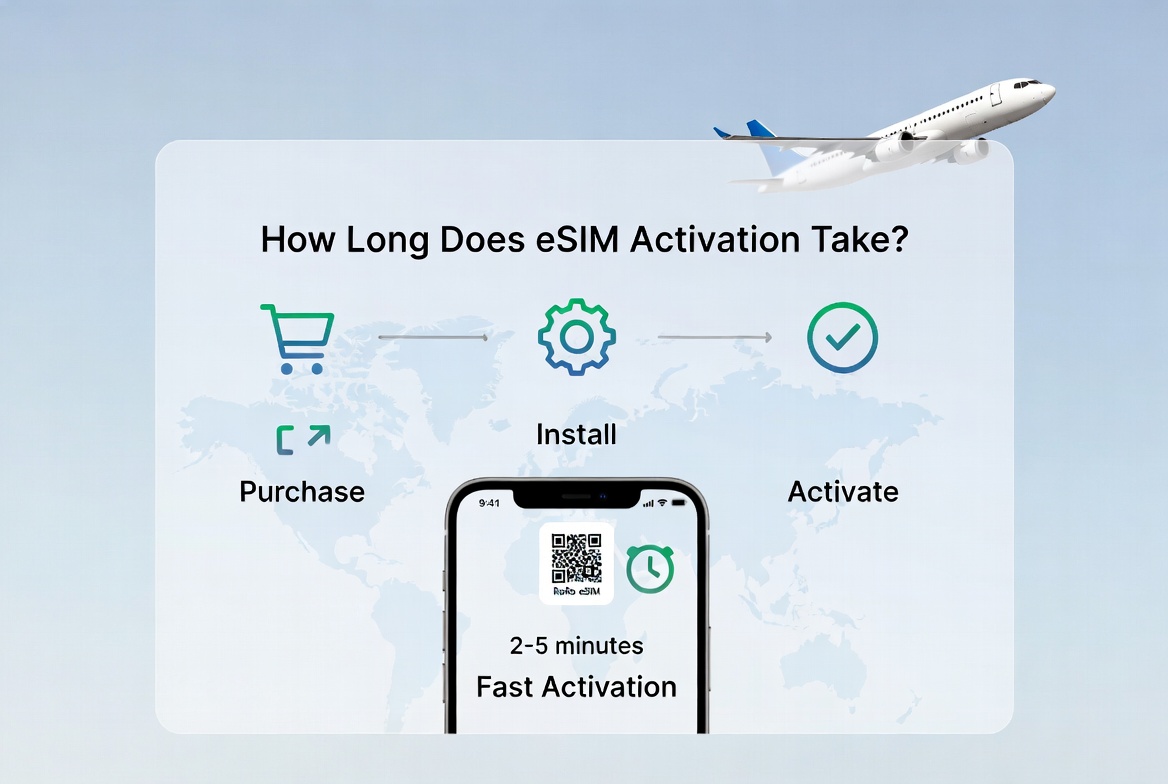
One of the most common questions travelers ask is “How long does eSIM activation take?” The good news is that eSIM activation is usually fast and straightforward. With RoRo eSIM (https://roroesim.com/), the entire process can be completed in just a few minutes, making it one of the most convenient options for international travel in 2026.Typical eSIM Activation TimeFor most users, eSIM activation takes 2 to 10 minutes. Here’s a breakdown of the timeline:
Visit https://roroesim.com/, select your destination, choose a plan, and complete payment. The QR code is delivered instantly via email and your account dashboard.2. Installing the eSIM (2–5 minutes)
Enable the RoRo eSIM line, turn on Data Roaming, and set it as your primary data line. Your phone will connect to local partner networks automatically.Factors That Can Affect Activation Time
- Purchase: Instant — you receive the QR code immediately after payment.
- Installation: 1–3 minutes — scanning the QR code and downloading the profile.
- Activation upon arrival: Usually within 1–5 minutes after enabling the line and turning on Data Roaming.
Visit https://roroesim.com/, select your destination, choose a plan, and complete payment. The QR code is delivered instantly via email and your account dashboard.2. Installing the eSIM (2–5 minutes)
- On iPhone: Settings → Cellular → Add eSIM → Scan QR Code.
- On Android: Settings → Network & Internet → SIMs → Add eSIM.
Enable the RoRo eSIM line, turn on Data Roaming, and set it as your primary data line. Your phone will connect to local partner networks automatically.Factors That Can Affect Activation Time
- Internet Connection: A strong Wi-Fi signal speeds up installation.
- Phone Model: Newer devices (iPhone 12+, Samsung S21+, Google Pixel 6+) usually activate faster.
- Network Availability: In very remote areas, it may take a few extra minutes to find a signal.
- First-Time Users: The first eSIM setup may take slightly longer as you get familiar with the process.
- User-Friendly Dashboard: Clear instructions and real-time support.
- 24/7 Customer Help: Live chat and WhatsApp assistance if you encounter any issues.
- Strong Local Partnerships: Quick connection to major networks in popular destinations like Europe, USA, Thailand, Japan, and more.
- No Complicated Registration: No passport upload or long forms required.
- Install the eSIM at home on reliable Wi-Fi before your trip.
- Take a screenshot of your QR code as backup.
- Restart your phone after installation.
- Enable Data Roaming only for the RoRo eSIM line.
- Test the connection shortly after landing.