Using an eSIM while traveling abroad is one of the most cost-effective ways to stay connected, especially compared to expensive roaming charges on your home mobile plan. But to make sure you only pay for what you intend and avoid unexpected fees, it’s important to understand how data usage, roaming settings, and eSIM configuration work. RORO eSIM, a popular global travel eSIM provider, offers affordable plans and clear setup advice that helps travelers avoid extra charges while overseas. Here’s how to use your eSIM wisely and keep costs under control.
One of the simplest ways to avoid extra charges is to install your travel eSIM before you leave home — not after landing but before. RORO recommends that travelers purchase their eSIM plan online, receive their QR code, and install it over Wi-Fi at home. This ensures your data plan doesn’t activate while you’re still in your home country, which could otherwise start counting down your validity and potentially connect to unintended networks.
Configure Data and Roaming Settings Correctly
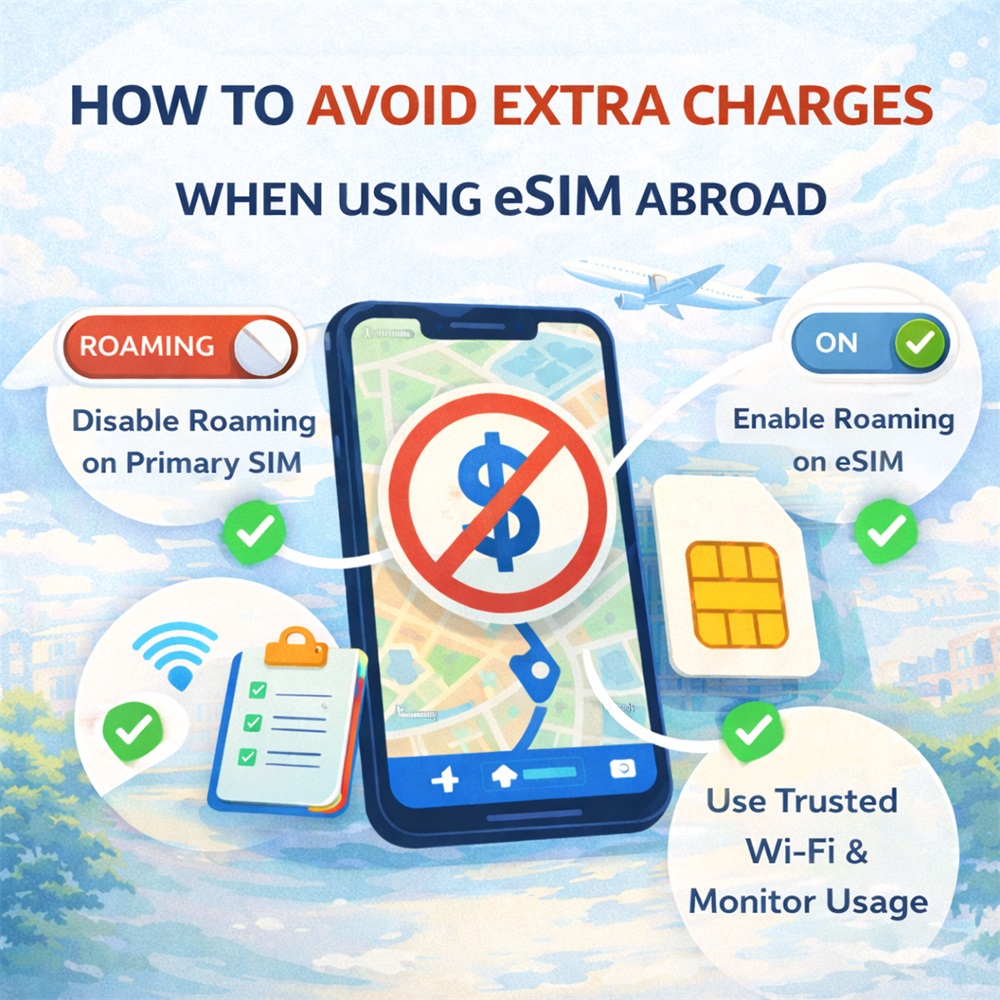
Disable Roaming on Your Primary SIM
If you keep your primary SIM active while traveling, your phone might roam onto local networks even without your knowledge — and that can result in high roaming charges from your home carrier. To prevent this:
Turn off data roaming for your primary SIM.
Go to Settings → Cellular/Data → turn off Data Roaming for your home line before departure.
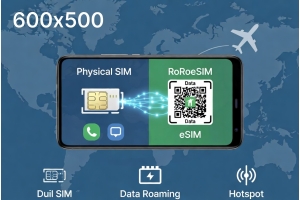
Some travelers also choose to temporarily disable their physical SIM entirely or set their eSIM as the default data source, especially on dual-SIM phones, to make sure only the travel plan uses mobile data.
Enable Data Roaming for Your eSIM
While this may seem counterintuitive, most travel eSIMs — including those from RORO eSIM — rely on your phone’s roaming function to connect to local networks abroad. So after landing, enable data roaming for the eSIM profile you purchased, while keeping it disabled on your primary SIM line. This ensures your data usage goes through your prepaid eSIM, not your home carrier.
Select the Right Plan and Monitor Usage
Picking the right data plan in advance helps you avoid overage or unnecessary charges:
Match the plan to your trip length and usage habits. RORO offers both fixed-data plans and unlimited-style plans with fair-use policies — so you only pay for what you expect to use.
Know what “unlimited” means. Even “unlimited” plans often have daily caps on high-speed data. If you exceed those limits, speeds may be reduced but there shouldn’t be extra fees — as long as you stay within the plan’s validity.
Once you’re connected abroad:
Use the RORO app or online dashboard to check your data usage.
Monitor data usage on your phone (Settings → Cellular/Data Usage) to confirm that data is indeed using your travel eSIM.
This lets you manage usage before you hit a cap or run out unexpectedly, which can otherwise lead you to buy add-on plans at higher prices.
Use Wi-Fi When Possible
Another way to stretch your eSIM data and avoid extra mobile usage is to rely on trusted Wi-Fi networks when available — such as hotel Wi-Fi, cafés, coworking spaces, or airport lounges. This helps preserve your mobile data for essential tasks. When connected to Wi-Fi, you can turn mobile data (for eSIM) off temporarily to ensure no accidental data consumption.
Smart Usage Tips
To further reduce data waste and prevent unexpected charges:
Download offline maps and content (like translation files, maps, and travel guides) before your trip.
Turn off background data for apps that may sync or update automatically.
Disable automatic updates and Wi-Fi assist — many phones switch to mobile data when Wi-Fi is weak unless you disable this setting.
These actions ensure that you’re only using mobile data when it’s truly needed and helps keep your usage within your plan limits.