Using an eSIM while traveling has become one of the easiest ways to stay connected without the hassle of physical SIM cards or expensive roaming charges. Providers like RORO eSIM offer digital plans you can install online, work across hundreds of countries, and activate in minutes. However, international travel brings not just connectivity opportunities — it also introduces potential security risks, especially when you rely on mobile data abroad. To help you stay safe, here are essential eSIM safety tips to protect your data while traveling in 2025.
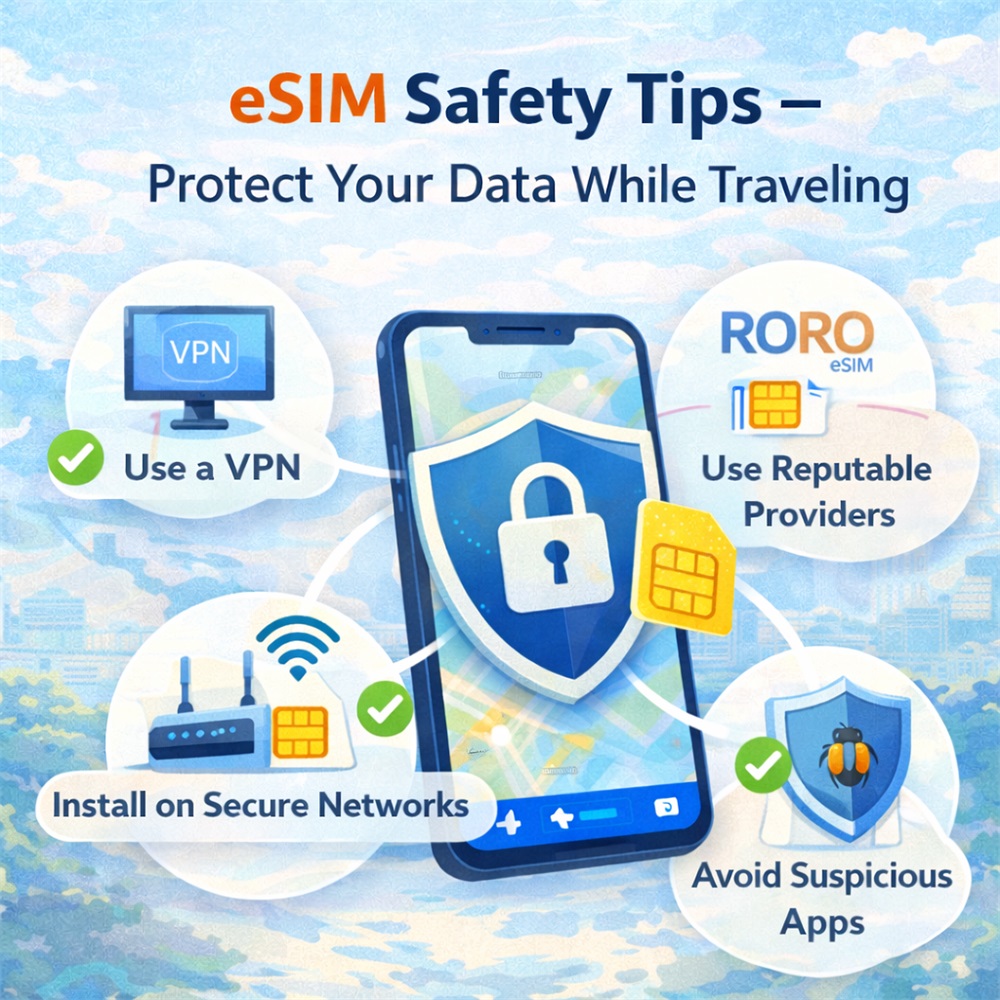
1. Choose Reputable eSIM Providers
The foundation of safe eSIM use starts with choosing a trustworthy provider. Not all eSIM vendors offer the same level of security, customer support, or transparent data policies. RORO eSIM is known for:
Clear, easy-to-understand plans
Digital delivery via secure QR codes
Wide network coverage in 200+ countries
Strong online support and setup guidance
No shady third-party intermediaries
By purchasing directly from official sites (like RORO’s), you reduce the risk of installing compromised or fraudulent profiles that could expose your data.
2. Install Your eSIM on Secure Networks
It’s tempting to set up an eSIM while waiting for a flight or browsing public Wi-Fi at an airport café, but public networks are a top way hackers intercept sensitive information. Always install and activate eSIM profiles on a trusted network:
Use your home Wi-Fi before departure
If heading straight to a destination, install eSIM at a hotel or secured connection
Avoid open or unsecured Wi-Fi networks during setup
Some users prefer to install the eSIM before they travel — RORO’s setup guides encourage installation while still on a trusted connection so you activate data where it’s intended. This helps prevent unintentional plan activation (and potential extra charges) or vulnerability during installation.
3. Enable Strong Mobile Security
Your device itself plays a big role in protecting your data:
Use strong passwords or biometric locks (Face ID/fingerprint)
Keep your operating system and security patches updated
Enable device encryption where possible
Turn off features like Auto-Connect to Open Wi-Fi
Even with a secure eSIM like RORO’s installed, a compromised phone can lead to unauthorized access to your accounts, sensitive emails, or travel documents.
4. Use VPN for Added Protection
A VPN (Virtual Private Network) encrypts your data traffic, creating a secure tunnel between your device and the internet. This helps protect your information from eavesdroppers — especially when using mobile data abroad or occasionally connecting to public Wi-Fi hotspots.
Even with eSIM data in use, a VPN adds a layer of privacy for:
Emails and messaging
Online banking
Cloud file access
Travel and work portals
Many reputable VPNs offer lightweight apps that run seamlessly while you use your eSIM connection.
5. Manage Data Roaming and Dual-SIM Settings
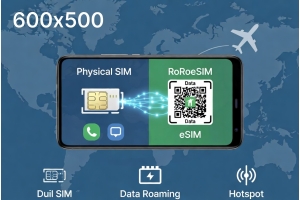
If you keep your home SIM and travel eSIM active on the same device, pay attention to how data roaming is configured:
Turn off roaming for your home SIM to avoid unexpected charges
Set your RORO eSIM as the default data connection while abroad
Disable data on any carrier you’re not actively using
This helps ensure your traffic goes over the secure eSIM network you’ve planned for, and not through accidental roaming or carrier defaults.
6. Monitor Data and App Behavior
Unexpected spikes in data usage can signal background apps accessing mobile data without your knowledge. Many devices show which apps used data and how much. Periodically check:
Which apps are consuming the most data
Background data usage
Any unfamiliar activity
If an app seems suspicious, restrict its access to mobile data or uninstall it.
7. Download Offline Tools When Possible
To further reduce exposure and data usage while abroad:
Download offline maps
Save translations and guides for offline use
Install essential travel documents on your device
This not only reduces data usage but also limits the need to connect to online services when out of Wi-Fi range.
8. Know How to React If You Lose Your Device
Despite all precautions, a lost or stolen device remains a real risk. To prepare:
Enable remote tracking and wipe features (Find My iPhone / Find My Device)
Use strong lock screen passwords
Back up important data to the cloud
If someone gets physical access to your phone, these precautions help protect your accounts and personal data.