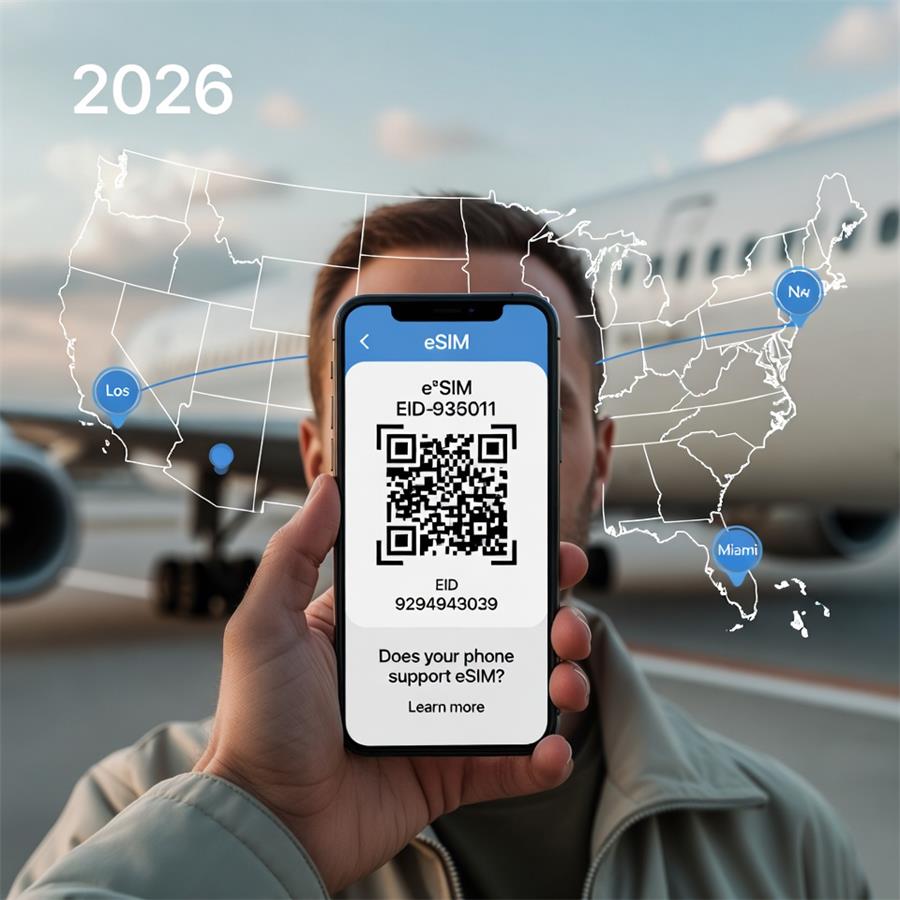
In 2026, eSIM technology has become the standard for seamless connectivity, especially for travelers using services like RoRo eSIM
This digital SIM eliminates the need for physical cards, allowing instant activation of data plans in over 200 countries, including comprehensive U.S. coverage. However, before purchasing a RoRo plan, confirm your phone supports eSIM—most modern smartphones do, but compatibility varies by model, region, and carrier locks.RoRo eSIM requires an unlocked, eSIM-compatible device to install and activate profiles effortlessly via QR code or app. Checking support takes just minutes and ensures smooth setup upon arrival.Quick Ways to Check eSIM SupportDial Code Method (Universal)
Open your phone's dialer and enter *#06#.
This displays your device's IMEI(s). Look for an EID (Embedded Identity Document)—a 32-digit number. If an EID appears, your phone supports eSIM. This works on both iPhone and Android in 2026 and is the fastest universal check.
iPhone-Specific Check
All iPhones from the iPhone XR onward support eSIM (including iPhone 16/17 series and beyond). Exceptions exist for models sold in mainland China, Hong Kong, or Macau, which may lack eSIM. Go to Settings > Cellular (or Mobile Data).
Look for Add eSIM or Add Cellular Plan. If visible, your iPhone is compatible.
Alternatively: Settings > General > About. Scroll to find Digital SIM, Available SIM, IMEI (eSIM), or EID. Presence confirms support.
Android-Specific Check
Android support varies by brand (Google Pixel from 3 onward, Samsung Galaxy from S20/Z Flip series, recent Motorola, Xiaomi, Huawei, etc.). In 2026, flagship and mid-range models from major brands typically include eSIM. Go to Settings > Network & Internet (or Connections) > Mobile Network or SIM Manager.
Search for Add eSIM, Download a SIM, or Add Mobile Plan. If the option exists, eSIM is supported.
On Samsung: Settings > Connections > SIM Card Manager > Add eSIM.
Use the dial *#06# method above for EID confirmation.
Additional Tips for RoRo eSIM UsersEnsure your device is carrier-unlocked—locked phones may block third-party eSIMs like RoRo. Contact your carrier if unsure.
Check RoRo's FAQ section (linked on https://roroesim.com/) for device troubleshooting or compatibility notes. While RoRo doesn't list every model, it supports all standard eSIM devices.
For the latest 2026 lists, popular eSIM providers (including cross-references) confirm broad compatibility: iPhone 14–17 series, Pixel 8–10, Galaxy S23–S25/Z Fold/Flip, and more. If your phone is from 2023+, it's likely compatible.
If no EID or "Add eSIM" option appears, your device doesn't support it—consider a physical SIM fallback or upgrade.
Verifying eSIM support is essential for hassle-free travel with RoRo. Once confirmed, buy your plan, install the profile on Wi-Fi, and activate upon landing for instant data—no airport queues or high roaming fees. Stay connected seamlessly across the U.S. and beyond!