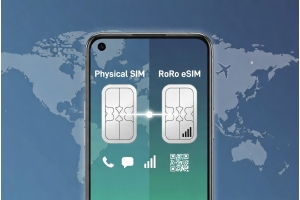
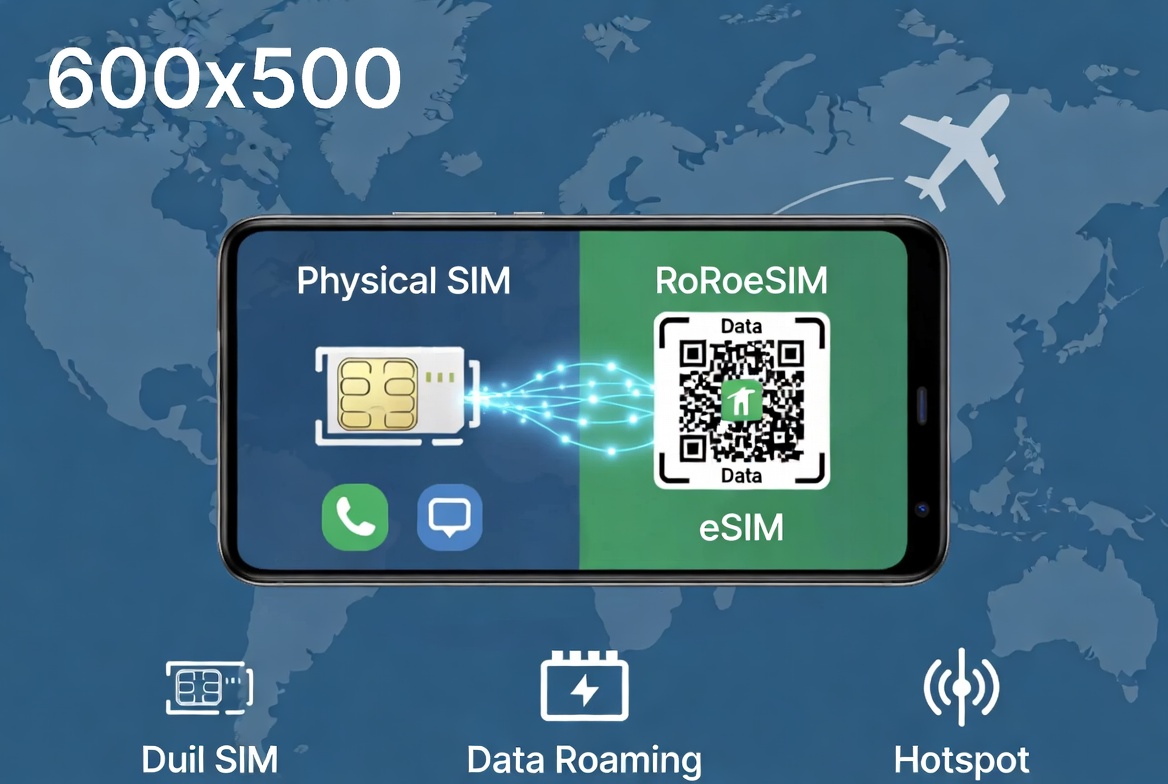
Using an eSIM and physical SIM together (Dual SIM mode) is one of the smartest ways to stay connected while traveling internationally in 2026. This setup allows you to keep your home number active for calls and texts while using a travel eSIM like RoRo eSIM (https://roroesim.com/) for affordable high-speed data. It eliminates expensive roaming charges and gives you maximum flexibility.Why Use eSIM + Physical SIM Together?
- Keep your original phone number for important calls, WhatsApp, and SMS.
- Use RoRo eSIM exclusively for data (Google Maps, email, social media, video calls).
- Avoid high international roaming fees from your home carrier.
- Enjoy seamless connectivity in over 200 countries.
- Benefit from RoRo’s delayed activation — install before travel, activate only upon arrival.
- Purchase RoRo eSIM
Visit https://roroesim.com/, choose your destination plan, and complete payment. Receive the QR code instantly. - Install the eSIM
- Go to Settings > Cellular > Add eSIM.
- Select Use QR Code and scan the RoRo code.
- Label the eSIM clearly (e.g., “RoRo Europe” or “RoRo Thailand”).
- Configure Dual SIM Settings
- In Cellular settings, set your physical SIM as the default for Voice Calls and SMS.
- Set RoRo eSIM as the default for Mobile Data.
- Turn on Data Roaming only for the RoRo eSIM line.
- Upon Arrival
Enable the RoRo line. Your phone will automatically use the physical SIM for calls and RoRo for internet.
- Purchase and receive the RoRo QR code from https://roroesim.com/.
- Go to Settings > Network & Internet > SIMs (or Connections > SIM Manager on Samsung).
- Tap Add eSIM → Scan QR Code.
- Once installed, set your physical SIM as default for calls/SMS.
- Set RoRo eSIM as primary for Mobile Data.
- Enable Data Roaming for the RoRo line only.
- Test the setup on Wi-Fi before departure.
- Monitor data usage through the RoRo dashboard and top up anytime.
- Enable Hotspot to share your RoRo data with your laptop or companions.
- If you face connection issues, toggle Airplane Mode or restart your phone.
- Keep your physical SIM’s Data Roaming turned OFF to avoid unexpected charges.