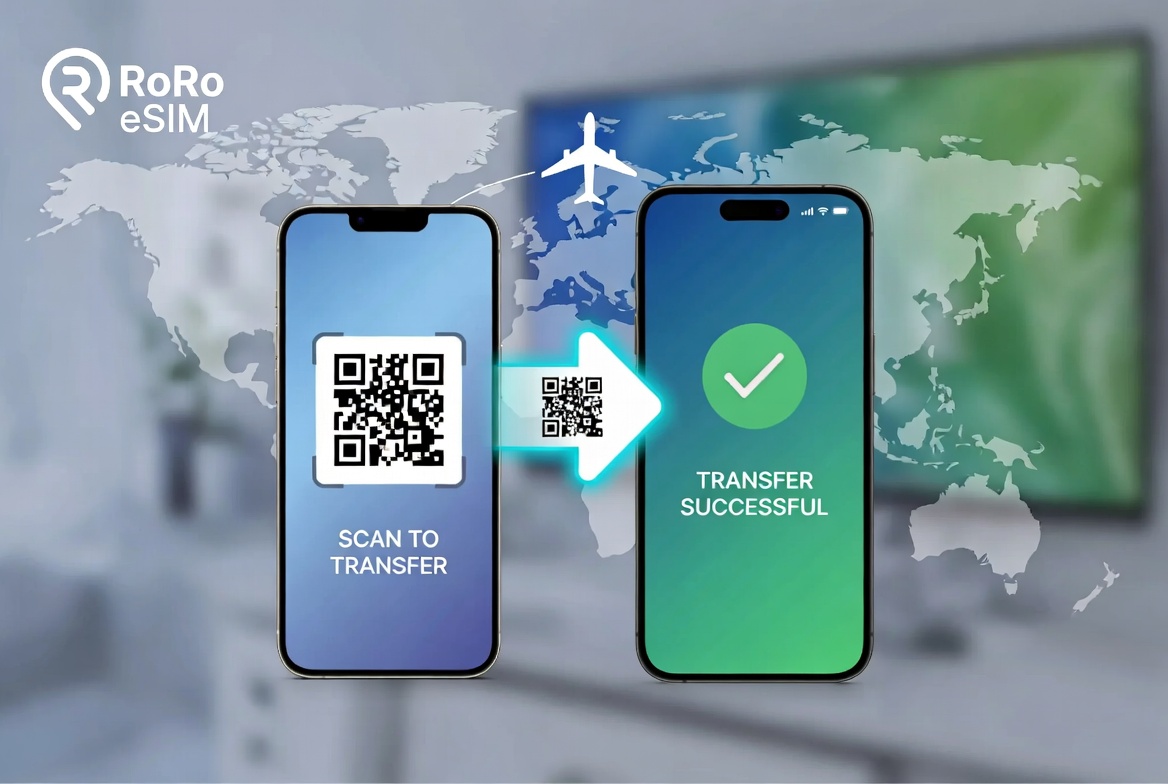
Upgrading to a new phone is exciting, but many travelers worry about transferring their eSIM. The good news is that moving an eSIM to a new device is straightforward with the right provider. RoRo eSIM (https://roroesim.com/) makes the process simple and stress-free, allowing you to keep your travel data plan active without losing paid days or coverage.Why Transferring eSIM Matters for TravelersWhen you switch phones, your physical SIM can be easily moved, but eSIMs are digital and tied to the device’s hardware. However, most modern eSIM providers like RoRo allow you to reinstall or transfer your plan to the new phone quickly. This is especially important for international travelers who rely on affordable data in 200+ countries.Step-by-Step Guide to Transfer RoRo eSIM to a New PhoneStep 1: Prepare Your New Phone
Make sure your new phone is eSIM-compatible (most iPhone XS and newer, Samsung Galaxy S20+, Google Pixel 3+, and recent flagships support eSIM). Dial *#06# to check for an EID number.Step 2: Back Up Important Data
Before switching, back up your old phone and note your RoRo account details. Take a screenshot of your QR code if you still have it.Step 3: Contact RoRo Support (Recommended)
Log into your account at https://roroesim.com/ and reach out to the 24/7 support team via live chat or WhatsApp. Provide your order number and new phone’s EID. RoRo’s team can help reissue a new QR code or activation details for your plan.Step 4: Install on the New Phone
Once installed, enable the RoRo eSIM line, turn on Data Roaming, and set it as your primary data line. Keep your physical SIM (if any) for calls and texts. If your plan uses delayed activation, it will continue normally.Important Tips for Smooth Transfer
Make sure your new phone is eSIM-compatible (most iPhone XS and newer, Samsung Galaxy S20+, Google Pixel 3+, and recent flagships support eSIM). Dial *#06# to check for an EID number.Step 2: Back Up Important Data
Before switching, back up your old phone and note your RoRo account details. Take a screenshot of your QR code if you still have it.Step 3: Contact RoRo Support (Recommended)
Log into your account at https://roroesim.com/ and reach out to the 24/7 support team via live chat or WhatsApp. Provide your order number and new phone’s EID. RoRo’s team can help reissue a new QR code or activation details for your plan.Step 4: Install on the New Phone
- On iPhone: Go to Settings > Cellular > Add eSIM > Use QR Code (or Enter Details Manually).
- On Android: Go to Settings > Network & Internet > SIMs > Add eSIM.
Once installed, enable the RoRo eSIM line, turn on Data Roaming, and set it as your primary data line. Keep your physical SIM (if any) for calls and texts. If your plan uses delayed activation, it will continue normally.Important Tips for Smooth Transfer
- Transfer while still on Wi-Fi and before your trip if possible.
- Do not delete the eSIM from your old phone until the new one is working.
- RoRo allows flexible management — you can often reinstall the same plan without losing remaining data or validity.
- For urgent transfers during travel, RoRo’s fast support is a big advantage.
- QR Code Expired: Contact RoRo support for a fresh one.
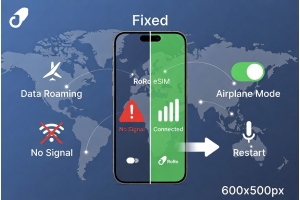
- No Signal After Transfer: Toggle Airplane Mode, enable Data Roaming, and restart the phone.
- Plan Not Showing: Double-check your account status on the RoRo website.