Traveling across Europe has never been easier, but staying connected across multiple countries can still be a challenge if you rely on traditional SIM cards. Fortunately, a multi-country eSIM for Europe offers a simple, affordable, and flexible solution. In this guide, we’ll explain how to activate a Europe eSIM step by step, what to prepare before your trip, and why providers like roroesim are becoming the preferred choice for modern travelers.
What Is a Multi-Country Europe eSIM?
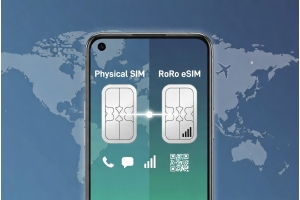
A multi-country Europe eSIM is a digital SIM card that works across multiple European countries, often covering the entire Schengen Area and beyond. Instead of swapping physical SIM cards every time you cross a border, a single eSIM profile allows your phone to connect automatically to local partner networks in each country.
With roroesim, travelers can enjoy seamless coverage in popular destinations such as France, Germany, Italy, Spain, the Netherlands, Switzerland, and more—without changing settings or buying multiple plans.
What You Need Before Activation
Before activating your Europe eSIM, make sure you have the following:
An eSIM-compatible device (iPhone XS or newer, Samsung Galaxy S20+, Google Pixel, etc.)
A stable internet connection (Wi-Fi is recommended during setup)
An unlocked phone
Your eSIM QR code or activation details from roroesim
Preparing these in advance ensures the activation process takes only a few minutes.
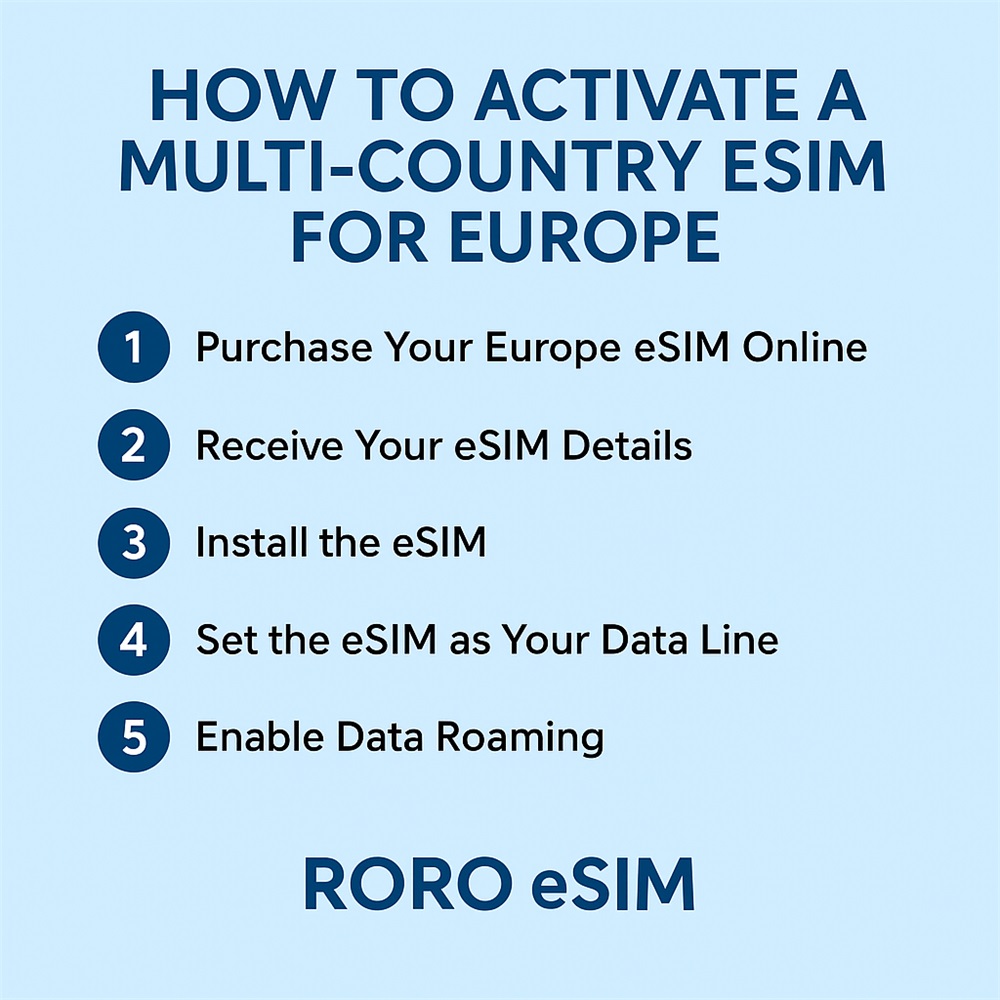
Step-by-Step: How to Activate a Multi-Country Europe eSIM
Step 1: Purchase Your Europe eSIM Online
Visit roroesim.com and select a Europe multi-country eSIM plan that matches your travel duration and data needs. Options typically include 5GB, 10GB, 20GB, or unlimited data plans.
Step 2: Receive Your eSIM Details
After purchase, roroesim sends a QR code and setup instructions to your email. Keep this email accessible during installation.
Step 3: Install the eSIM
On your phone:
Go to Settings > Mobile Data > Add eSIM
Choose Scan QR Code
Scan the QR code provided by roroesim
The eSIM profile will download automatically.
Step 4: Set the eSIM as Your Data Line
Once installed, set the roroesim eSIM as your primary mobile data line. You can keep your physical SIM for calls and SMS if needed.
Step 5: Enable Data Roaming
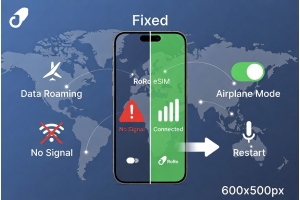
For Europe-wide coverage, make sure Data Roaming is turned ON for your eSIM. This allows your phone to switch between supported local networks as you move between countries.
When Does the Europe eSIM Start Working?
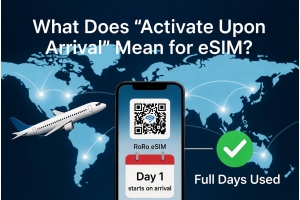
Most roroesim Europe eSIMs activate automatically when they first connect to a supported network in Europe. This means you can install the eSIM before departure and start using data the moment you land—no airport SIM kiosks, no waiting in lines.
Why Choose roroesim for Europe Travel?
roroesim is designed specifically for international travelers and digital nomads. Key advantages include:
Wide coverage across Europe with stable local networks
Competitive pricing with no hidden roaming fees
Easy installation in under 5 minutes
No physical SIM required
Reliable speeds for navigation, streaming, and work
For travelers visiting multiple European countries, roroesim eliminates the hassle of buying separate SIM cards or worrying about roaming charges.
Final Tips for a Smooth Experience
Install your eSIM before you travel
Turn off automatic updates to save data
Use Wi-Fi where available for heavy downloads
Monitor data usage in your phone settings
Activating a multi-country eSIM for Europe is quick, simple, and highly convenient. With just a few taps, you can stay connected across borders without interruption. Whether you’re planning a short holiday or a long European journey, roroesim offers a reliable and cost-effective solution to keep you online everywhere you go.