Modern smartphones in 2026 support multiple eSIMs, making it easier than ever for travelers, digital nomads, and frequent business visitors to manage different data plans on a single device. Whether you need a home line for calls, a RoRo eSIM for international travel, and another for a specific country, learning how to manage multiple eSIMs can save money and simplify connectivity.
RoRo eSIM (https://roroesim.com/) is particularly popular for this purpose because it offers flexible, data-only plans across 200+ countries.Most flagship phones (iPhone 13 and later, recent Samsung Galaxy, Google Pixel, etc.) allow you to store and switch between 8–20 eSIM profiles, though only two can usually be active at the same time (one for calls/texts, one for data).Why Manage Multiple eSIMs?Keep your primary number for important calls while using cheaper travel data.
Switch easily between home, work, and travel plans.
Avoid expensive roaming fees when abroad.
Use RoRo eSIM as dedicated travel data without replacing your main SIM.
Step-by-Step Guide to Managing Multiple eSIMsFor iPhone (iOS 18/19):Go to Settings > Cellular (or Mobile Data).
Tap Add eSIM to install a new profile (scan RoRo’s QR code or enter details manually).
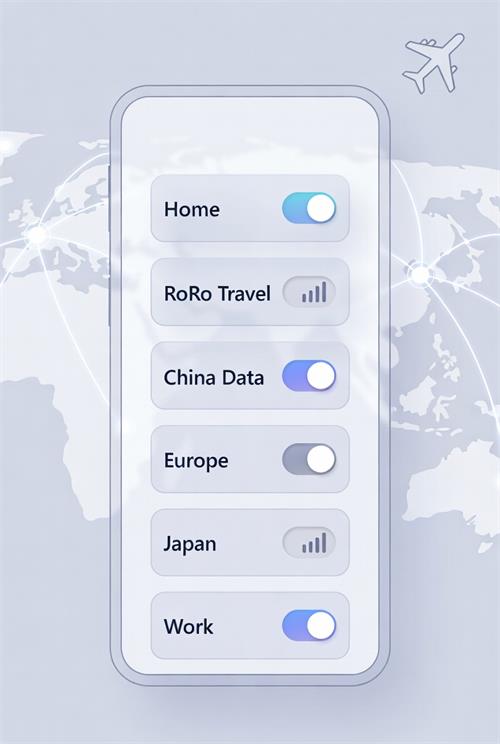
Once installed, you will see a list of all eSIMs. Tap any line to rename it (e.g., “RoRo Travel”, “Home Line”, “China Data”).
To switch: Tap the desired line and turn Turn On This Line or set it as your Primary or Secondary data line.
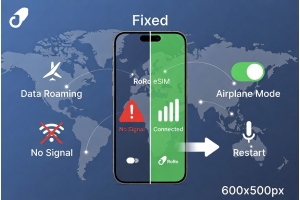
Enable Data Roaming only for the travel eSIM (usually RoRo) to avoid unexpected charges on your home line.
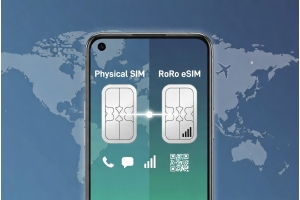
For dual SIM use: Set your physical/home SIM for calls and RoRo eSIM for data.
For Android (Samsung, Pixel, etc.):Go to Settings > Network & Internet > SIMs (or Mobile Network).
Tap Add eSIM or Download a SIM and install RoRo’s profile.
Rename each eSIM for easy identification (e.g., “RoRo Europe”, “Home US”).
Choose which SIM is used for calls, texts, and mobile data.
Toggle lines on/off as needed. You can keep multiple profiles installed and activate them when traveling.
Best Practices with RoRo eSIMInstall RoRo eSIM profiles in advance on Wi-Fi before trips.
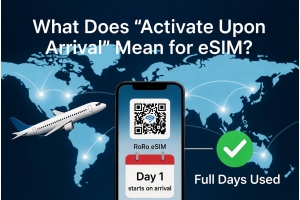
Use Delayed Activation — RoRo plans only start counting validity days when you connect in the destination country.
Label clearly: “RoRo USA”, “RoRo Thailand”, “RoRo China” to avoid confusion.
Monitor data usage in the RoRo app or “My SIMs” dashboard and top up instantly when needed.
For frequent travelers: Keep your home eSIM for calls and RoRo as the default data line.
Common TipsTurn off Data Roaming on your home line to prevent high roaming fees.
You can have many eSIMs stored, but only activate the ones you need.
If you run out of data, simply switch to another stored RoRo profile or top up the current one.
RoRo’s 24/7 support is available via chat or WhatsApp if you encounter switching issues.
Managing multiple eSIMs gives you full control over your connectivity. With RoRo eSIM, you can install travel plans for different countries in advance, switch effortlessly, and enjoy affordable high-speed data worldwide without carrying extra physical SIMs or dealing with airport kiosks.Whether you’re a digital nomad, student, or frequent traveler, mastering multiple eSIM management with RoRo makes staying online simpler, cheaper, and more flexible than ever.