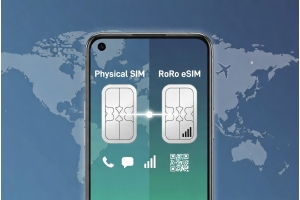
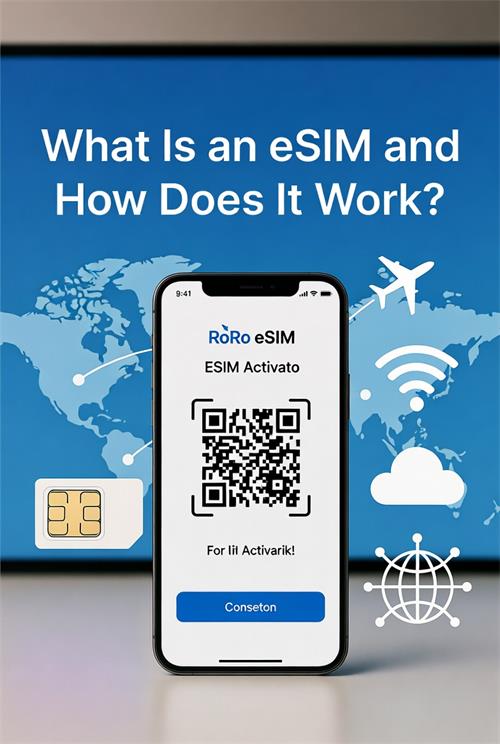
In today’s connected world, staying online while traveling has become easier than ever thanks to eSIM technology. If you’ve recently bought a new smartphone, you’ve likely seen the term “eSIM.” But what exactly is it, and how does it work? This guide explains everything you need to know, with a focus on how RoRo eSIM (https://roroesim.com/) makes global connectivity simple and affordable.What Is an eSIM?eSIM stands for embedded SIM. Unlike a traditional physical SIM card — that tiny plastic chip you insert into your phone — an eSIM is a digital SIM already built into your device’s hardware. It performs the same function as a physical SIM (identifying your phone on a mobile network) but does so entirely through software.First introduced in 2018 with the iPhone XS, eSIM technology has now become standard in most flagship phones, including iPhone 13 and later models, Samsung Galaxy S20 and newer, Google Pixel 3 and above, and many other Android devices.How Does an eSIM Work?The process is surprisingly simple:
- Purchase a Plan — You buy an eSIM data plan from a provider like RoRo eSIM.
- Receive a QR Code — The provider sends you a QR code (or manual activation details) via email or their dashboard.
- Install the Profile — On your phone, go to Settings and scan the QR code. The eSIM profile downloads and installs digitally.
- Activate — Once you arrive at your destination and turn on data roaming, the eSIM connects to local partner networks.
- Convenience: No more visiting airport shops, dealing with language barriers, or risking damage to your phone’s SIM tray.
- Multiple Profiles: Modern phones can store 8–20 eSIM profiles, allowing you to install plans for different countries in advance.
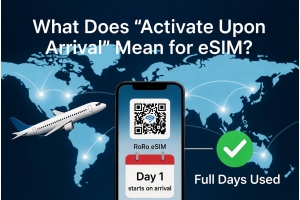
- Delayed Activation (RoRo Advantage): With RoRo eSIM, the plan’s validity only starts when you connect in the destination country — maximizing value for long trips.
- Cost Savings: eSIM plans are typically much cheaper than traditional carrier roaming fees.
- Flexibility: Easy to top up data, switch between profiles, and share hotspot.
- Visit https://roroesim.com/ and choose a plan for your destination.
- Complete payment and receive the QR code instantly.
- Install the eSIM on Wi-Fi before departure (Settings > Cellular/Add eSIM on iPhone, or SIM Manager on Android).
- Upon arrival, enable Data Roaming and set RoRo as your primary data line.
- Enjoy high-speed 4G/5G data while keeping your home SIM active for calls and texts.